
How to Rank Higher for a Keyword: 15 Effective SEO Strategies
Ranking higher for a keyword on Google is one of the most important goals of search engine optimization (SEO). When your website appears near the top of search results, more people can discover your content, visit your pages, and potentially become subscribers or customers.
However, ranking for a keyword requires more than simply adding it to your blog post several times. You need to understand what people are searching for, create useful content, optimize your website, build relevant links, and regularly monitor your performance.
Whether you are a beginner blogger, website owner, affiliate marketer, or digital business owner, this guide explains practical ways to improve your keyword rankings.
1. Choose the Right Keyword
The first step toward ranking higher is selecting a keyword that matches your content and target audience.
Some keywords are extremely competitive, making them difficult for new websites to rank for. Instead of targeting only popular keywords, consider specific search phrases known as long-tail keywords.
For example:
- Highly competitive: Make money online
- More specific: How to make money online as a student
- More specific: Legitimate ways to make money online without investment
Long-tail keywords often have a clearer search intent and may be easier to target, although competition varies.
Before choosing a keyword, consider:
- Search volume: How frequently people search for it.
- Keyword difficulty: How competitive the search results are.
- Search intent: What users want to accomplish.
- Relevance: Whether the keyword matches your website’s subject.
Choose keywords that your website can realistically provide the best answers for.
2. Understand Search Intent
Search intent refers to the reason behind a person’s search query.
Google aims to show results that satisfy what users are looking for. Therefore, understanding search intent is essential when creating content.
There are four common types:
Informational intent: People want to learn something. Example: What is SEO?
Navigational intent: People want to find a particular website. Example: Google Search Console login.
Commercial investigation: People are comparing products or services. Example: Best SEO tools for bloggers.
Transactional intent: People are ready to take action or make a purchase. Example: Buy SEO software.
Search your target keyword on Google and examine the pages already ranking. Notice whether the results are tutorials, product comparisons, videos, or service pages.
Create content that matches the format and purpose users expect.
3. Write High-Quality and Helpful Content
Content quality is one of the most important parts of SEO.
Your article should answer the reader’s questions clearly and provide information that is useful beyond what they can find in a basic search result.
For example, if your target keyword is “How to rank higher for a keyword,” do not simply repeat general SEO advice. Explain the process, provide examples, identify common mistakes, and give readers practical steps they can follow.
Helpful content should:
- Answer the main question directly.
- Provide accurate and relevant information.
- Include practical examples.
- Be easy to read and understand.
- Cover important related questions.
- Avoid unnecessary repetition.
- Be original rather than copied from competitors.
Do not write an article simply to reach a particular word count. Focus on covering the topic properly.
4. Optimize Your SEO Title
Your SEO title helps search engines and readers understand what your page is about.
Include your primary keyword naturally in the title, preferably near the beginning when it reads well.
For example, if your target keyword is “best SEO tools for beginners,” you could use:
Best SEO Tools for Beginners: 10 Tools to Grow Your Website
A good SEO title should be:
- Clear and descriptive.
- Relevant to the page.
- Naturally written.
- Unique across your website.
- Interesting enough to encourage clicks.
Avoid misleading headlines or stuffing several keywords into one title.
Google may generate a different title link in search results, so writing a good title is a recommendation rather than a guarantee that Google will display it exactly as written.
5. Use Your Keyword Naturally in the Content
After selecting your target keyword, include it in relevant places throughout the article.
Important locations include:
- SEO title.
- Main heading (H1).
- Introduction.
- Relevant subheadings.
- Main article body.
- URL slug.
- Image alt text when it accurately describes the image.
For example, if your primary keyword is “how to improve website SEO,” you might naturally use related phrases such as:
- Improve website rankings.
- Search engine optimization tips.
- Increase organic traffic.
- On-page SEO techniques.
- Website optimization.
Do not force the exact keyword into every paragraph. Search engines can understand related terms and the overall meaning of a page.
6. Create an SEO-Friendly URL
Your page URL should be short, descriptive, and easy to understand.
For example:
Poor URL:
example.com/post12345
Better URL:
example.com/rank-higher-for-keywords
A descriptive URL helps visitors understand the subject of a page before opening it.
If you use WordPress, you can edit the permalink in the post settings before publishing.
Avoid changing an established URL without a good reason. If you must change one, use an appropriate permanent redirect so visitors and search engines can reach the new page.
7. Use Proper Heading Structure
Headings organize your article and make it easier for visitors to find information.
A simple structure includes:
- H1: Main article title.
- H2: Main sections.
- H3: Supporting points under an H2.
For example:
H1: How to Rank Higher for a Keyword
H2: Choose the Right Keyword
H2: Understand Search Intent
H2: Optimize Your Content
H3: Improve Your SEO Title
H3: Add Relevant Internal Links
Use headings to organize information logically. Avoid adding keywords to headings when they do not fit naturally.
8. Add Relevant Internal Links
Internal links connect one page on your website to another.
They help visitors discover related information and help search engines find and understand the relationship between your pages.
For example, if you publish an article about keyword rankings, you could link to related articles about:
- How to learn SEO as a beginner.
- Best SEO tools for bloggers.
- How to find low-competition keywords.
- How to write SEO-friendly blog posts.
Use descriptive anchor text so readers understand what they will find when they click.
Do not add random internal links just to increase the number of links. Every link should provide value.
9. Build High-Quality Backlinks
Backlinks are links from other websites pointing to your website.
Relevant, trustworthy backlinks can help search engines discover your pages and understand their importance. However, not all backlinks have the same value.
You can work toward earning backlinks through:
- Publishing original research.
- Creating useful guides and resources.
- Writing guest articles for relevant websites.
- Sharing expert insights.
- Building relationships with publishers in your niche.
- Creating statistics or resources that other writers may reference.
Avoid buying spammy backlinks or participating in link schemes. Such tactics can put your website at risk of search engine penalties or reduced visibility.
Focus on earning links naturally through valuable content.
10. Improve Website Loading Speed
Website performance affects how visitors experience your pages.
A slow website can frustrate users, especially those browsing on mobile devices or using slower internet connections.
To improve your WordPress website speed:
- Choose reliable hosting.
- Compress large images.
- Use modern image formats such as WebP where appropriate.
- Remove unnecessary plugins.
- Use browser caching.
- Consider a content delivery network (CDN).
- Minimize unnecessary scripts.
- Keep your WordPress themes and plugins updated.
You can use Google PageSpeed Insights to identify performance problems and receive suggestions for improving your website.
Remember that speed is only one part of SEO. A fast website still needs relevant and helpful content.
11. Optimize Your Images
Images make blog posts more attractive and help explain complicated topics.
However, large or poorly optimized images can slow down your website.
Follow these image SEO practices:
- Use relevant images.
- Compress images before uploading.
- Choose descriptive file names.
- Add meaningful alt text.
- Use suitable image dimensions.
- Avoid uploading unnecessarily large files.
For example, instead of naming an image IMG_2026_001.jpg, use a descriptive name such as keyword-research-seo-guide.jpg if it accurately describes the image.
Alt text should describe the actual image for accessibility. Do not stuff keywords into it.
12. Make Your Website Mobile-Friendly
Many people access websites through smartphones and tablets.
If your website is difficult to use on mobile devices, visitors may struggle to read articles, navigate menus, or click links.
To improve the mobile experience:
- Use a responsive WordPress theme.
- Choose readable font sizes.
- Make buttons easy to tap.
- Avoid unnecessary pop-ups.
- Keep paragraphs reasonably short.
- Ensure images fit the screen.
- Test your website on different devices.
A mobile-friendly website provides a better experience for visitors and supports Google’s page experience recommendations.
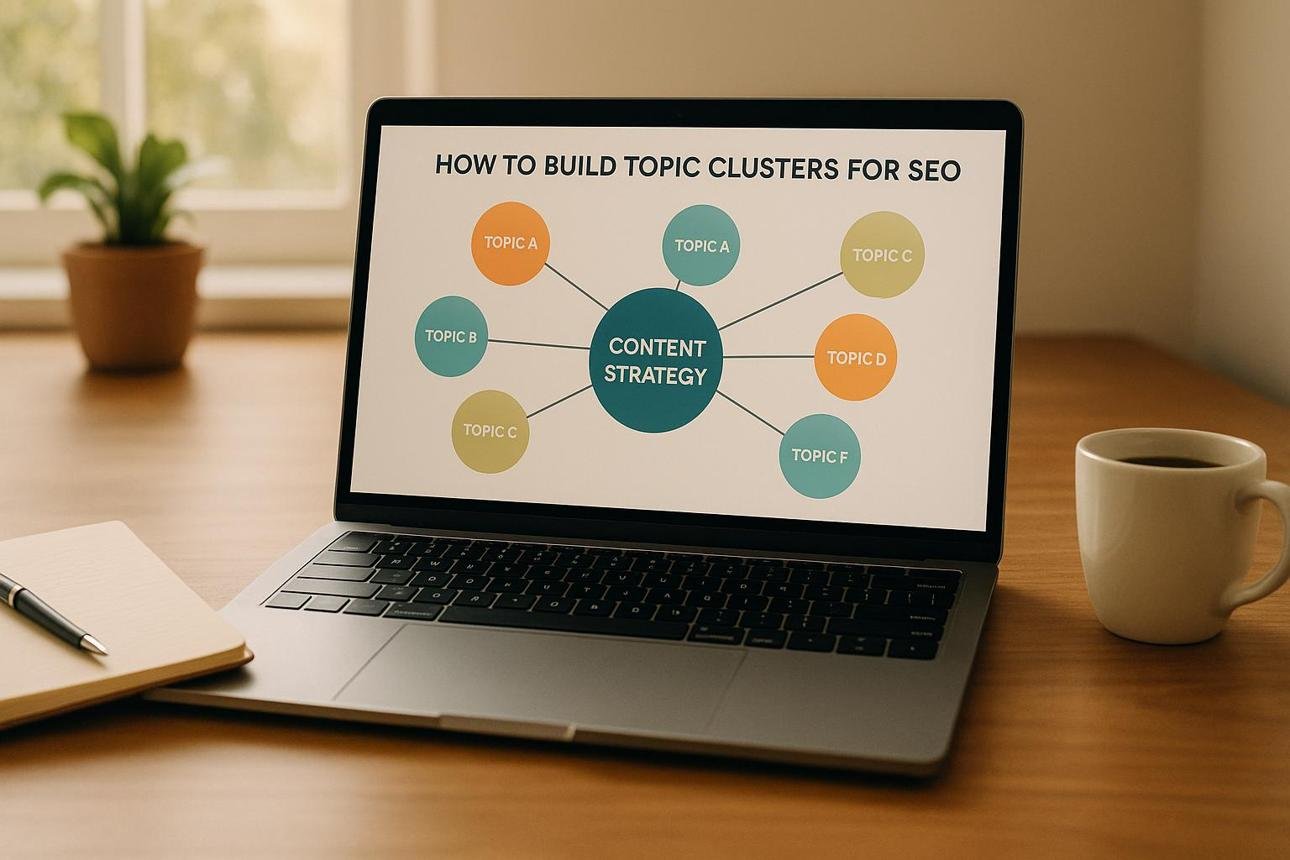
13. Publish Related Content to Build Topical Authority
If you want your website to become more relevant in a particular subject, publish useful articles covering related topics.
For example, a website focused on SEO could create a content cluster around keyword research:
- What Is Keyword Research?
- How to Find Low-Competition Keywords.
- Best Free Keyword Research Tools.
- How to Choose the Right Focus Keyword.
- How to Use Keywords in Blog Posts.
- How to Track Keyword Rankings.
Connect these articles using relevant internal links.
This approach helps readers explore a topic in greater depth and helps search engines understand how your pages relate to one another.
Do not publish unrelated articles simply to increase your post count. Keep your website focused on the audience you want to serve.
14. Use Google Search Console to Monitor Keyword Rankings
Google Search Console is a free tool that helps website owners understand how their websites perform in Google Search.
You can use it to monitor:
- Search queries that bring visitors to your website.
- Total clicks.
- Total impressions.
- Average click-through rate (CTR).
- Average search position.
- Pages receiving organic traffic.
For example, suppose your article appears for the keyword “SEO tools for beginners” but receives very few clicks.
You could review the search results and improve the page title or description to make the result more appealing and accurate.
If a page receives impressions but ranks poorly, examine the search intent, content quality, competition, and internal links.
Use the information to make improvements rather than guessing what your website needs.
15. Update and Improve Existing Articles
Publishing an article does not mean your SEO work is finished.
Over time, information can become outdated, competitors can publish better resources, and search behavior can change.
Review your existing articles regularly.
Look for opportunities to:
- Correct inaccurate information.
- Replace outdated statistics.
- Add useful examples.
- Improve unclear explanations.
- Add relevant internal links.
- Replace broken links.
- Update screenshots and images.
- Answer important questions missing from the article.
Do not change the publication date simply to make an article look new. Make meaningful improvements that benefit readers.
Common SEO Mistakes That Can Prevent Higher Rankings
Even when you follow good SEO practices, certain mistakes can limit your website’s performance.
1. Keyword stuffing: Repeating the same keyword excessively makes content difficult to read and can be considered spammy.
2. Copying competitors: Rewriting another website’s article without adding original value does not give readers a strong reason to visit your page.
3. Targeting keywords that are too competitive: A new website may struggle to compete for broad keywords dominated by established websites.
4. Ignoring search intent: A product page will not necessarily satisfy someone looking for a detailed educational guide.
5. Publishing thin content: Short content is not automatically bad, but pages that fail to answer the reader’s question provide little value.
6. Buying spammy backlinks: Manipulative link-building tactics can damage your website’s search performance.
7. Ignoring technical SEO: Indexing problems, broken pages, and poor mobile usability can prevent search engines and visitors from accessing your content properly.
How Long Does It Take to Rank Higher for a Keyword?
There is no fixed period for ranking higher on Google.
Some pages may begin receiving impressions relatively quickly, while others may take several months or longer to gain meaningful visibility.
The timeline depends on several factors, including:
- Your website’s age and reputation.
- Keyword competition.
- Content quality and relevance.
- Website technical condition.
- Backlink profile.
- Search intent.
- Competitors’ content and authority.
Google recommends allowing time to assess the impact of SEO changes. It also makes clear that following SEO recommendations does not guarantee a particular ranking.
Instead of expecting overnight results, monitor your progress and continue improving your content.
Conclusion
Ranking higher for a keyword requires a combination of keyword research, helpful content, on-page SEO, technical optimization, internal linking, and a good website experience.
Start by choosing relevant keywords that match your audience’s search intent. Create original articles that answer questions thoroughly, optimize your titles and URLs, and connect related pages through internal links.
Use Google Search Console to monitor impressions, clicks, and average positions. When you identify pages that need improvement, update them with useful information.
Most importantly, focus on helping readers rather than trying to manipulate search engines. Consistent improvements and a people-first content strategy can help your website build organic visibility over time.
Frequently Asked Questions (FAQs)
1. How can I rank my keyword on the first page of Google?
Choose a relevant keyword, understand search intent, publish helpful content, optimize your page title and headings, build relevant internal links, and improve your website’s technical performance. No method guarantees first-page rankings.
2. How many times should I use a keyword in an article?
There is no fixed keyword density that guarantees better rankings. Use your primary keyword naturally in relevant places and include related terms where they help explain the topic.
3. Are backlinks important for keyword rankings?
Backlinks can help search engines discover pages and understand their relevance and importance. Focus on earning relevant, trustworthy links rather than purchasing spammy ones.
4. Can a new website rank for competitive keywords?
Yes, but highly competitive keywords can be difficult for new websites. Starting with relevant long-tail keywords and building useful content around a focused niche can be a more practical strategy.
5. Which tool can I use to check keyword rankings?
Google Search Console is a useful free option for monitoring the queries that generate impressions and clicks, along with average search positions. Other SEO platforms also offer keyword-tracking features.
6. Does publishing more articles improve keyword rankings?
Publishing more articles does not automatically improve rankings. The priority should be creating useful, original content that serves your audience and supports your website’s main subject.
SEO Title: How to Rank Higher for a Keyword: 15 Effective SEO Strategies
Focus Keyword: How to rank higher for a keyword
URL Slug: rank-higher-for-a-keyword
Meta Description: Learn how to rank higher for a keyword with 15 practical SEO strategies, including keyword research, content optimization, backlinks, and Google Search Console.
Category: SEO
Tags: Keyword Ranking, SEO Tips, Keyword Research, Google Rankings, On-Page SEO, Backlinks, Website Traffic, Google Search Console

Adeeb Malik is the founder of Capdigitals, where he shares practical insights on digital marketing, blogging, SEO, and online earning. He focuses on simplifying complex strategies into easy, actionable steps for beginners. The content is based on research, real-world concepts, and learning resources. All information is for educational purposes only and does not constitute financial or business advice.