
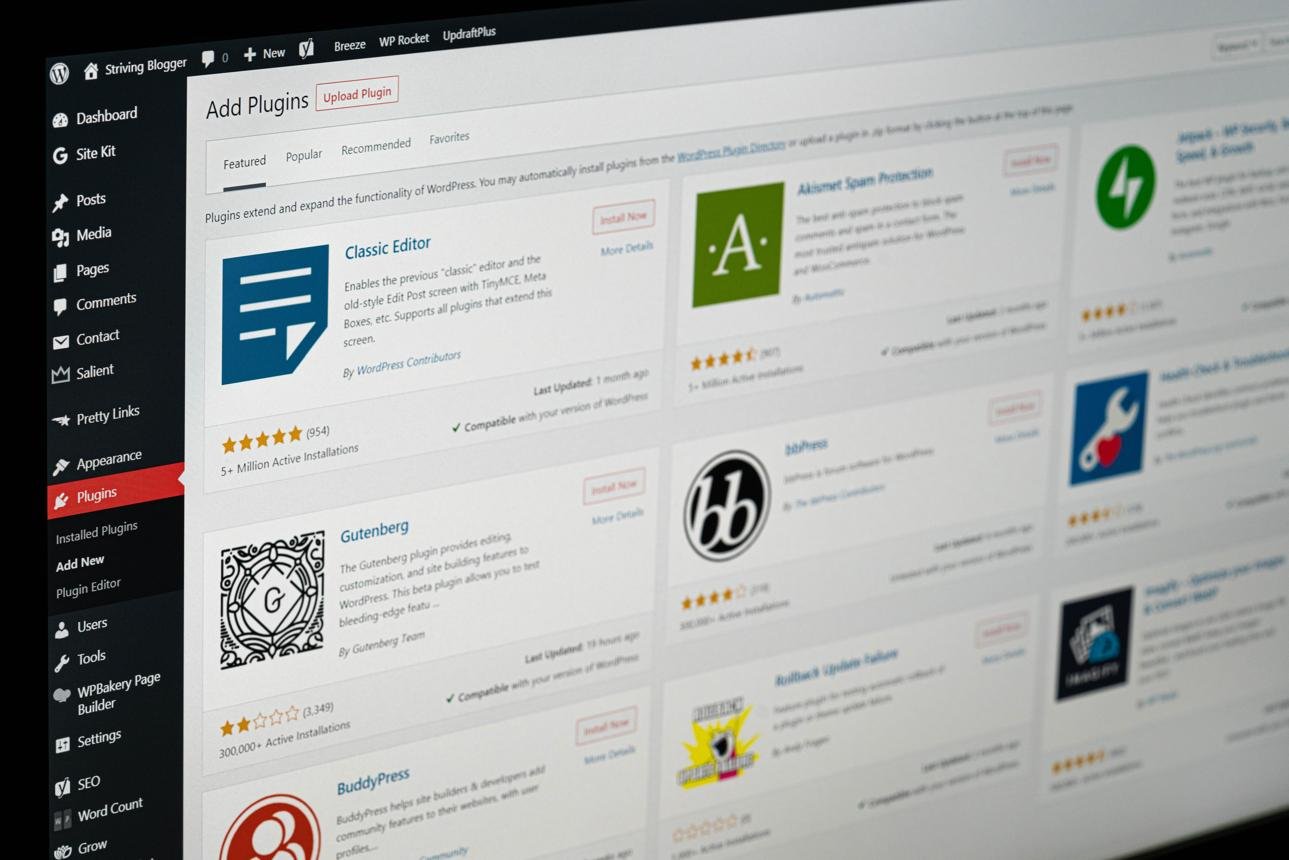
What Is the Best WordPress Plugin for SEO? 7 Best Options Compared
Choosing the best WordPress SEO plugin is an important step when building a successful website. Whether you run a personal blog, business website, affiliate marketing platform, or online store, the right SEO plugin can help you optimize your content and make your website easier for search engines to understand.
WordPress offers several SEO plugins with features such as keyword analysis, XML sitemaps, meta descriptions, schema markup, image optimization, and technical SEO settings. However, choosing the right one can be confusing, especially if you are a beginner.
Some plugins focus on simplicity, while others offer advanced features for managing multiple websites and monitoring SEO performance.
So, what is the best WordPress plugin for SEO?
Rank Math and Yoast SEO are two excellent choices for most WordPress websites. Rank Math is particularly attractive if you want a broad range of features in its free version, while Yoast SEO is a strong option if you prefer straightforward content optimization guidance.
In this guide, we will compare seven popular WordPress SEO plugins, explain their features, and help you choose the best option for your website.
What Is a WordPress SEO Plugin?
A WordPress SEO plugin is software that adds search engine optimization features to your WordPress website.
It helps you manage important SEO settings without manually editing every part of your website’s code.
Depending on the plugin, you can use it to:
- Write SEO titles and meta descriptions.
- Generate XML sitemaps.
- Optimize blog posts and website pages.
- Add structured data or schema markup.
- Manage canonical URLs.
- Control search engine indexing.
- Improve internal linking.
- Manage redirects.
- Add social media sharing metadata.
- Identify certain SEO problems.
For example, when writing a blog post about personal finance, an SEO plugin can help you add a search-friendly title, write a meta description, and review your content before publishing.
However, an SEO plugin cannot guarantee that your article will rank on Google’s first page. Rankings also depend on content quality, relevance, competition, website performance, and other factors.
1. Rank Math SEO
<escape>**</escape>Best for: Bloggers who want a wide range of SEO features.
<escape>**</escape>Rank Math is one of the most popular WordPress SEO plugins. It offers tools for optimizing blog posts, managing website metadata, generating sitemaps, and configuring structured data.
It is especially appealing to website owners who want several SEO features without immediately purchasing a premium subscription.
Main Features
- SEO title and meta description editing.
- Focus keyword analysis.
- XML sitemap generation.
- Schema markup support.
- Google Search Console integration.
- Redirect management.
- 404 monitoring.
- SEO content analysis.
- Image SEO settings.
- WooCommerce SEO features.
Advantages
- Offers a generous collection of free SEO features.
- Provides useful content optimization suggestions.
- Includes advanced settings for experienced users.
- Supports different types of websites.
- Offers migration options from other SEO plugins.
Disadvantages
- The number of settings may overwhelm beginners.
- Some advanced features require a paid plan.
- Enabling unnecessary modules can make configuration more complicated.
Who Should Use Rank Math?
Rank Math is a good choice for bloggers, affiliate marketers, and website owners who want flexible SEO controls.
If you manage several WordPress blogs, you may also appreciate its feature-rich setup.
Official website: https://rankmath.com/
2. Yoast SEO
<escape>**</escape>Best for: Beginners who want simple SEO guidance.
Yoast SEO is one of the best-known WordPress SEO plugins. It helps website owners optimize individual pages and articles through content analysis and readability suggestions.
Its interface is designed to make basic SEO tasks easier to understand.
Main Features
- SEO title editing.
- Meta description management.
- SEO content analysis.
- Readability analysis.
- XML sitemap generation.
- Canonical URL management.
- Schema markup.
- Social media metadata.
- Content optimization recommendations.
Advantages
- Beginner-friendly interface.
- Helpful readability recommendations.
- Clear guidance when editing articles.
- Established documentation and learning resources.
- Free version available.
Disadvantages
- Some advanced features require a paid subscription.
- Certain recommendations can feel repetitive.
- You should not treat its SEO traffic-light indicators as a guarantee of rankings.
Who Should Use Yoast SEO?
Yoast SEO is a strong option for bloggers who are learning SEO and want straightforward recommendations while writing articles.
If you regularly publish educational content, tutorials, and informational blog posts, Yoast can help you organize important on-page SEO elements.
Official website: https://yoast.com/wordpress/plugins/seo/
3. All in One SEO (AIOSEO)
<escape>**</escape>Best for: Businesses and website owners who want an all-in-one SEO toolkit.
All in One SEO, commonly called AIOSEO, is another established WordPress SEO plugin.
It provides tools for optimizing website content, managing technical SEO settings, generating schema markup, and monitoring certain aspects of search performance.
Main Features
- SEO title and meta description settings.
- TruSEO on-page analysis.
- XML sitemap generation.
- Schema markup generator.
- Local SEO tools.
- Redirect management.
- Internal linking assistance.
- Search statistics and reporting in eligible plans.
- WooCommerce SEO support.
Advantages
- Offers a broad collection of SEO features.
- Suitable for business websites.
- Provides tools for local SEO.
- Includes content optimization recommendations.
- Supports different website types.
Disadvantages
- Several advanced tools are available only in paid plans.
- Its extensive settings may take time to understand.
- Some features may be unnecessary for a small personal blog.
Who Should Use AIOSEO?
AIOSEO is suitable for businesses, online stores, service providers, and bloggers who want a broad SEO toolkit within WordPress.
Official website: https://aioseo.com/
4. SEOPress
<escape>**</escape>Best for: Website owners who want flexible SEO management.
SEOPress is a WordPress SEO plugin that provides tools for managing metadata, sitemaps, structured data, and other optimization settings.
It is designed to provide a flexible SEO experience without requiring users to install multiple separate SEO plugins.
Main Features
- SEO titles and meta descriptions.
- XML and HTML sitemaps.
- Schema markup.
- Social media metadata.
- Content analysis.
- Redirect management in eligible plans.
- Google Analytics integration.
- WooCommerce SEO support.
Advantages
- Offers a useful free version.
- Provides flexible configuration options.
- Supports technical SEO settings.
- Suitable for blogs and business websites.
- Offers paid options for advanced requirements.
Disadvantages
- Some features may be less familiar to beginners.
- Advanced options require time to configure.
- Certain tools are restricted to paid plans.
Who Should Use SEOPress?
SEOPress is worth considering if you want flexible SEO management and prefer controlling which features are enabled on your website.
Official website: https://www.seopress.org/
5. The SEO Framework
<escape>**</escape>Best for: Users who prefer a lightweight and automated SEO setup.
The SEO Framework is designed to handle essential SEO tasks with less manual configuration.
It focuses on automatically generating important metadata and providing a relatively straightforward optimization experience.
Main Features
- Automatic SEO metadata.
- XML sitemap support.
- Canonical URL management.
- Structured data support.
- Search engine indexing controls.
- Social sharing metadata.
- Additional extensions for advanced features.
Advantages
- Relatively simple configuration.
- Focuses on essential SEO functions.
- Offers automation for metadata.
- Suitable for users who prefer fewer unnecessary settings.
Disadvantages
- Some advanced features require extensions.
- Beginners may find its interface less instructional than Yoast.
- It offers fewer built-in content-writing recommendations than some competitors.
Who Should Use The SEO Framework?
It is a good option for website owners who prefer a straightforward SEO plugin and do not need an extensive collection of content analysis tools.
Official website: https://theseoframework.com/
6. Slim SEO
<escape>**</escape>Best for: Bloggers who want basic SEO automation.
Slim SEO is designed to handle common SEO tasks automatically with relatively little configuration.
It can be useful for website owners who want essential metadata and sitemap features without managing many settings.
Main Features
- Automatic meta title and description generation.
- XML sitemap generation.
- Canonical URLs.
- Schema markup.
- Breadcrumb support.
- Basic SEO automation.
- Additional features through extensions.
Advantages
- Simple setup.
- Minimal configuration requirements.
- Useful for smaller websites.
- Helps automate routine SEO tasks.
Disadvantages
- Offers fewer built-in content analysis features.
- Advanced customization may require extensions.
- May not provide all the tools needed by larger websites.
Who Should Use Slim SEO?
Slim SEO is suitable for bloggers and website owners who want a simple plugin to handle basic SEO tasks automatically.
Official website: https://wpslimseo.com/
7. Squirrly SEO
<escape>**</escape>Best for: Users who want guided SEO recommendations.
Squirrly SEO is a WordPress plugin that provides SEO guidance and content optimization tools.
It aims to help users understand how to improve their content and website visibility through structured recommendations.
Main Features
- SEO content assistance.
- Keyword research features.
- On-page optimization recommendations.
- SEO audits.
- Metadata management.
- Schema support.
- Search performance tools in eligible plans.
Advantages
- Offers guided SEO recommendations.
- Provides content optimization assistance.
- Includes tools for different SEO activities.
- Can be useful for users who want a more guided workflow.
Disadvantages
- Some features require a subscription.
- Its interface may take time to understand.
- Beginners should compare its features with simpler alternatives before choosing it.
Who Should Use Squirrly SEO?
Squirrly SEO may suit bloggers and marketers who prefer guided recommendations and want additional assistance with content optimization.
Official website: https://squirrly.co/
Comparison of the Best WordPress SEO Plugins
Here is a quick comparison of the seven plugins discussed in this guide.
| Plugin | Best for | Free version | Main strength |
|---|---|---|---|
| Rank Math | Feature-rich SEO | Yes | Broad SEO toolkit |
| Yoast SEO | Beginners | Yes | Content and readability guidance |
| AIOSEO | Businesses | Yes | All-in-one SEO tools |
| SEOPress | Flexible management | Yes | Customizable SEO settings |
| The SEO Framework | Simple SEO | Yes | Automated metadata |
| Slim SEO | Lightweight setup | Yes | Basic SEO automation |
| Squirrly SEO | Guided optimization | Yes | SEO recommendations |
Features and plan limitations can change, so check each plugin’s official website before purchasing a premium subscription.
Which WordPress SEO Plugin Is Best for Beginners?
If you are new to WordPress and SEO, Yoast SEO and Rank Math are two excellent starting points.
Choose Yoast SEO if you want clear content and readability guidance while writing articles.
Choose Rank Math if you want more configuration options and a broad range of tools in one plugin.
AIOSEO is also worth considering if you manage a business website or need additional local SEO features.
There is no universal winner for every website. The best choice depends on your needs, experience, and preferred workflow.
How to Install an SEO Plugin on WordPress
Installing an SEO plugin is straightforward.
Follow these steps:
- Log in to your WordPress dashboard.
- Navigate to Plugins.
- Click Add New Plugin.
- Search for your preferred SEO plugin.
- Check that you have selected the correct plugin.
- Click Install Now.
- Wait for the installation to finish.
- Click Activate.
- Follow the setup instructions.
- Configure your website’s basic SEO settings.
After activation, review your website title, homepage metadata, sitemap settings, and indexing options.
You should also connect Google Search Console to monitor how your website performs in Google Search.
Important SEO Settings to Configure After Installation
Installing an SEO plugin is only the beginning. You should configure its important settings carefully.
1. Set Your Website SEO Title
Your website title should clearly explain what your website is about.
For example, a finance blog might use:
“Personal Finance, Saving and Investing Tips”
2. Write a Homepage Meta Description
Create a short and accurate description of your website.
Explain what readers can learn or find on your website.
3. Configure XML Sitemaps
Enable the XML sitemap feature if you need it and confirm that the sitemap contains the important pages you want search engines to discover.
4. Review Indexing Settings
Make sure important pages and articles are not accidentally marked as noindex.
You should also avoid indexing unnecessary pages when they provide little value to search users.
5. Configure Social Sharing Information
Add appropriate social media titles, descriptions, and images so your articles can display useful previews when shared.
6. Review Schema Settings
Use suitable structured data for your content, such as Article, Organization, or Product schema when applicable.
Only add structured data that accurately describes the visible content of your pages.
Can You Install Two SEO Plugins on One WordPress Website?
It is generally not recommended to run two full SEO plugins simultaneously.
For example, installing Rank Math and Yoast SEO together may cause overlapping metadata, sitemap, schema, or indexing configurations.
This can create unnecessary complications and make SEO management more difficult.
Choose one primary SEO plugin and configure it properly.
If you want to switch plugins, use the migration tools where available, back up your website, and check that your titles, descriptions, canonical URLs, schema, and sitemap settings have transferred correctly.
Do WordPress SEO Plugins Automatically Improve Google Rankings?
No. Installing an SEO plugin does not automatically make your website rank higher on Google.
An SEO plugin helps you manage important technical and on-page settings, but successful SEO requires more than software.
You should also focus on:
- Publishing helpful and original content.
- Conducting relevant keyword research.
- Understanding search intent.
- Building a useful internal linking structure.
- Improving website speed.
- Making your website mobile-friendly.
- Earning relevant and natural backlinks.
- Monitoring performance with Google Search Console.
Think of an SEO plugin as a tool that supports your SEO strategy rather than a shortcut to higher rankings.
Conclusion
Choosing the best WordPress plugin for SEO depends on the type of website you operate and the features you need.
Rank Math is an excellent choice if you want a broad collection of SEO tools, while Yoast SEO is particularly useful for beginners who want straightforward content optimization guidance.
AIOSEO, SEOPress, The SEO Framework, Slim SEO, and Squirrly SEO are also useful alternatives for different website requirements.
You do not need to install every SEO plugin available. Choose one reliable option, configure it correctly, and focus on producing valuable content that answers your audience’s questions.
Remember that an SEO plugin can help organize your website’s optimization, but your content quality, website experience, and overall SEO strategy are what matter most.
Frequently Asked Questions (FAQs)
1. What is the best free WordPress SEO plugin?
Rank Math and Yoast SEO are two strong free options. Rank Math offers a broad feature set, while Yoast provides helpful content and readability analysis.
2. Is Rank Math better than Yoast SEO?
Neither is universally better. Rank Math offers a wider range of features in its free version, while Yoast is known for its beginner-friendly content guidance.
3. Is Yoast SEO good for beginners?
Yes. Yoast SEO provides straightforward recommendations that help beginners understand basic on-page SEO and readability.
4. Can I use Rank Math without paying?
Yes. Rank Math has a free version that includes several SEO features. Additional functionality is available through paid plans.
5. Does an SEO plugin guarantee first-page rankings?
No. SEO plugins cannot guarantee search rankings. They help you optimize website settings, but rankings depend on many factors, including content relevance, competition, and website quality.
6. Can I change my WordPress SEO plugin later?
Yes. You can migrate to another plugin, but you should back up your website and carefully check that important SEO settings and metadata are preserved.
7. Do I need an SEO plugin for WordPress?
An SEO plugin is not technically compulsory, but it makes managing important SEO settings easier for most website owners.
8. Which SEO plugin is best for multiple WordPress websites?
Rank Math, Yoast SEO, AIOSEO, and SEOPress all offer options for managing SEO across websites. Compare their current licensing terms and features before choosing a plan.
SEO Details
SEO Title: What Is the Best WordPress Plugin for SEO? 7 Options Compared
Focus Keyword: Best WordPress plugin for SEO
Slug: best-wordpress-plugin-for-seo
Meta Description: Discover the best WordPress plugin for SEO. Compare Rank Math, Yoast, AIOSEO, SEOPress, and other plugins to find the right option for your website.
Category: SEO
Tags: WordPress SEO Plugins, Rank Math, Yoast SEO, AIOSEO, SEOPress, WordPress SEO, SEO Tools, Website Optimization

Adeeb Malik is the founder of Capdigitals, where he shares practical insights on digital marketing, blogging, SEO, and online earning. He focuses on simplifying complex strategies into easy, actionable steps for beginners. The content is based on research, real-world concepts, and learning resources. All information is for educational purposes only and does not constitute financial or business advice.